Webflow App Marketplace
Install once. Test anything you can design.
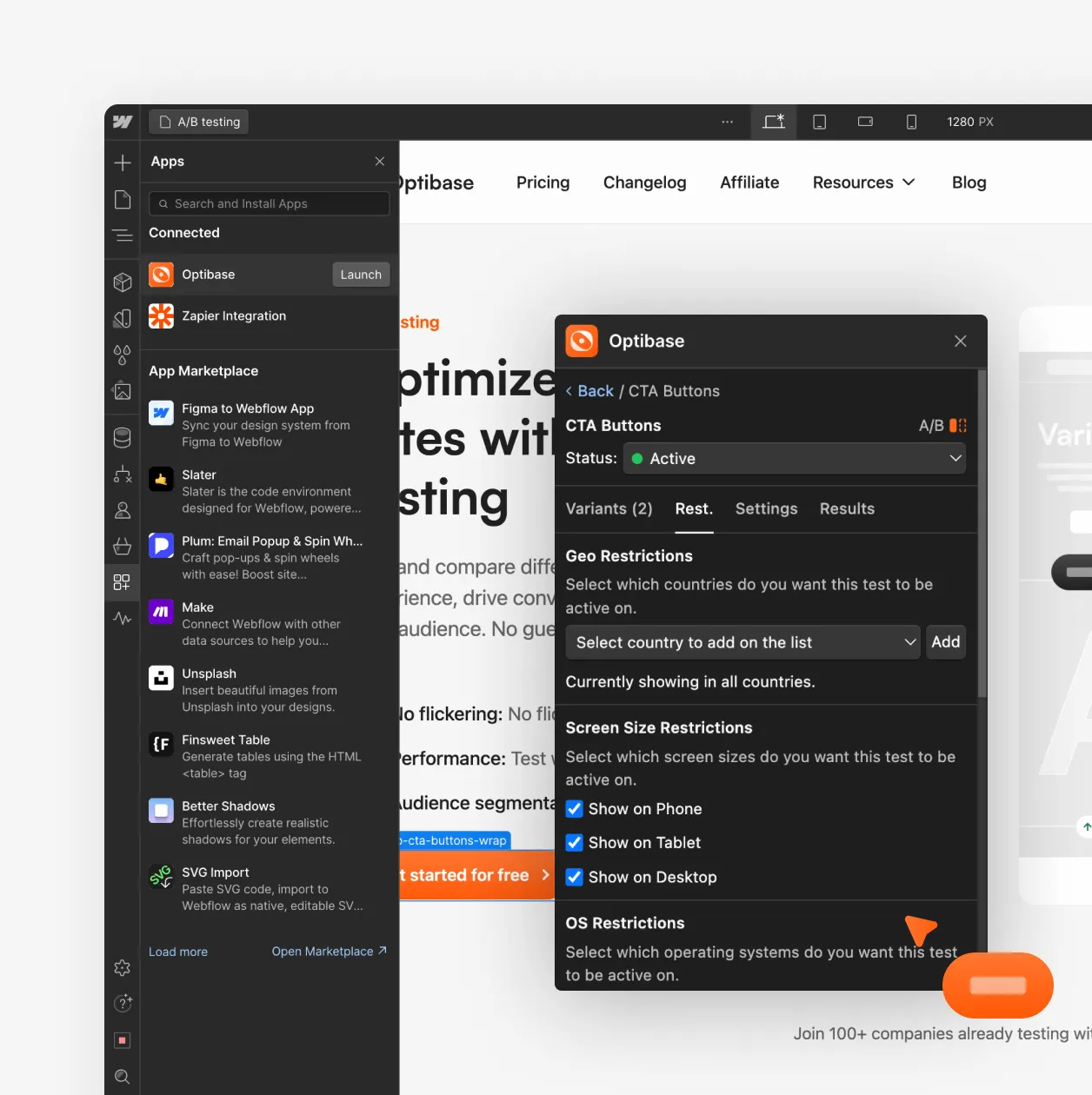
Optibase is available directly in the Webflow App Marketplace. Click install, and the script is added to your site automatically. No project settings, no code, no developer. Build your variant in the Webflow Designer as you normally would, publish it, and connect it in Optibase. You test the real page — not a copy, not a simulation.
App Marketplace install
Find Optibase in the Webflow App Marketplace and click install. Your site connects and tracking starts immediately. No manual setup.
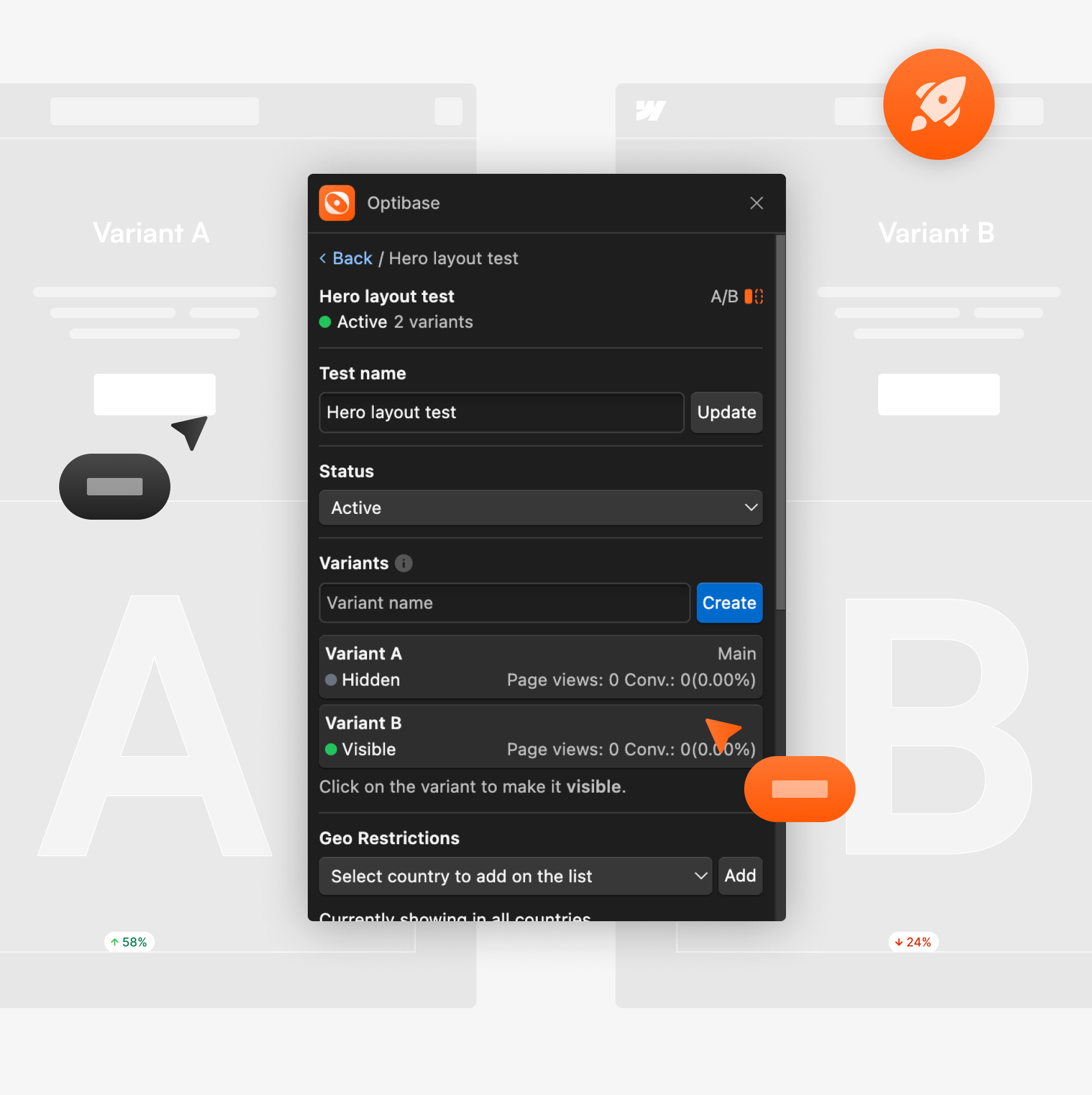
Create variants in the Designer
Design your test variant directly in Webflow. Change a headline, button, section, or full layout. If you can build it in Webflow, you can test it.
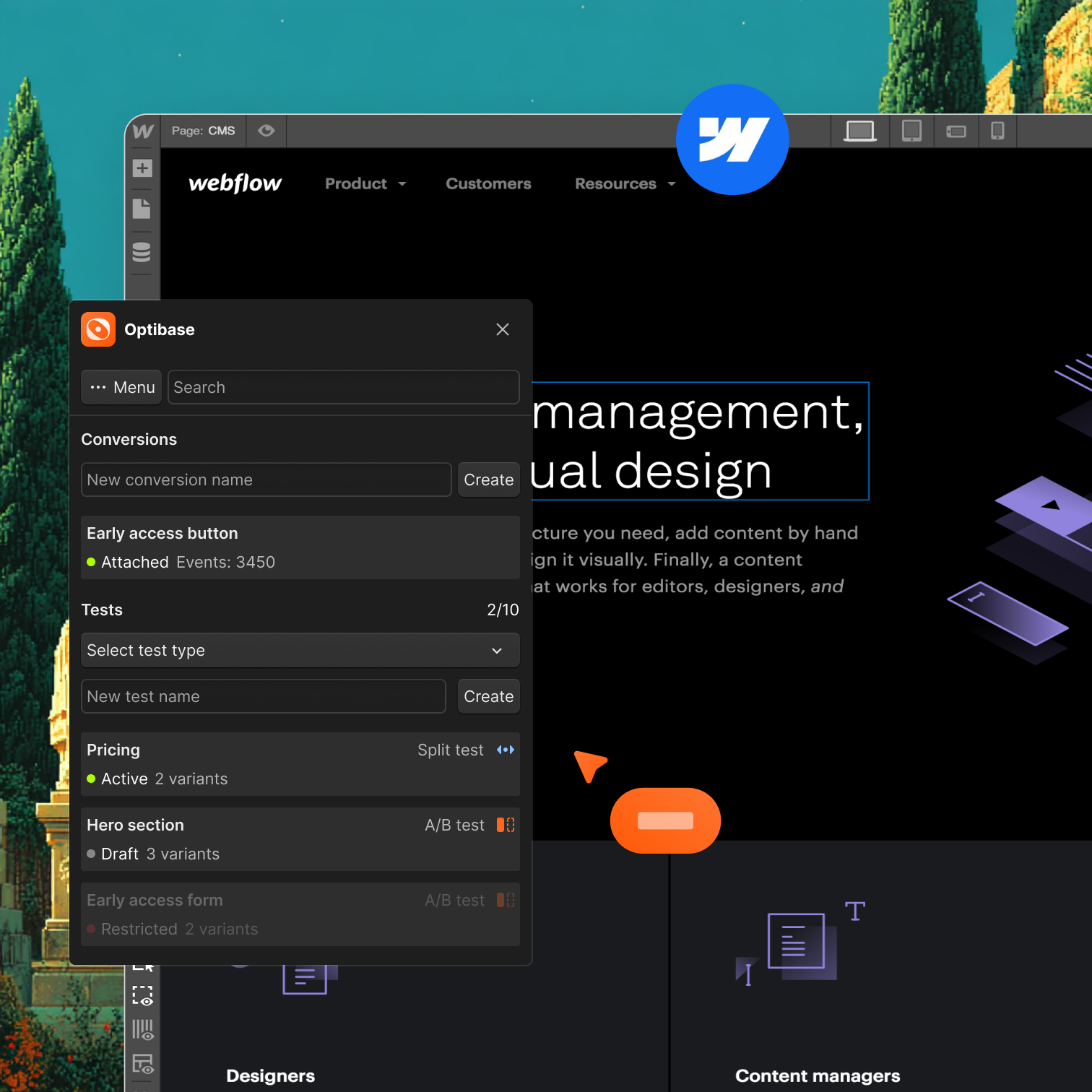
Works with CMS and dynamic pages
Run tests on CMS templates, landing pages, pricing pages, and collection pages. Optibase handles dynamic Webflow content without issues.



.svg)


.svg)


.svg)
.svg)